Programming, Topic: Procedural Content

Recent posts (Page 1 of 9)

Genuary 2026.20: One line

Genuary 2026.20: One line

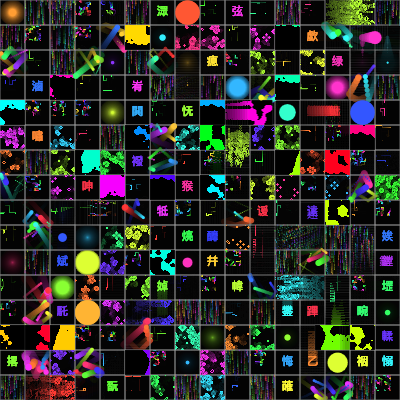
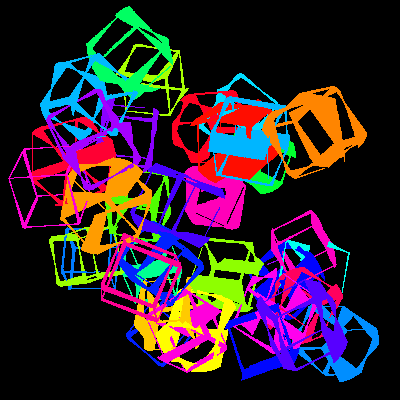
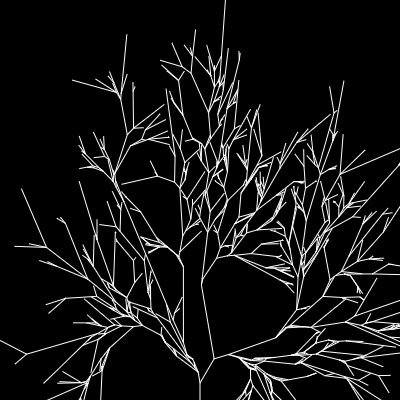
One line… that repeatedly splits, albeit without (mostly) crossing itself.

Fractal trees GO!

  • splitChance controls how quickly the line branches
  • minChildren / maxChildren controls branching
  • angleRange is how many radians the new branches can change by
  • randomizeAngles controls if child angles are random/evenly spaced
  • spacing is roughly how spread out the tree is
  • pauseOnResetFor / stopOnReset controls what happens when a tree is done
  • colorMode changes drawing colors
  • anchor changes where the tree starts

It does get a bit sluggish, especially if you have a high number of children.

read more...

Genuary 2026.18: Unexpected paths

Genuary 2026.18: Unexpected paths

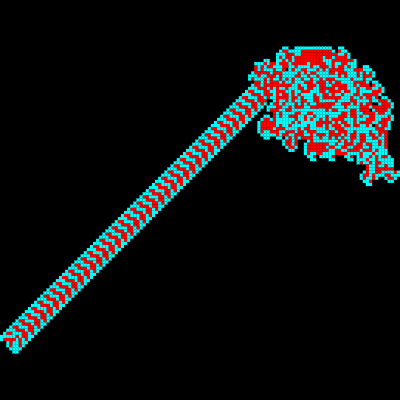
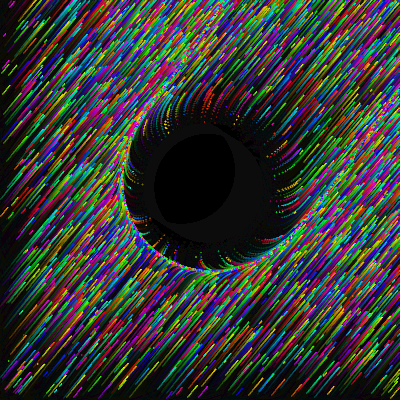
I feel like the most unexpected of paths is Langton’s Ant!.

Okay, it’s fairly expected. And I’ve even done it before. Been a while though.

Anyways, here we go!

In a nutshell, you have a grid with N possible values (the length of the rule string). For each pattern, when the ‘ant’ walks on that cell, the value in incremented by one and you will turn according to these rules:

  • R turn right (90° or 60° in hex)
  • L turn left (same)
  • S turn right 120° in hex mode (nothing in square)
  • M turn left 120° in hex mode
  • U turn 180° in hex mode
  • anything else (N above), do nothing/go straight

This ends up with some really interesting behavior for such a short ruleset. Langton’s Ant (LR, the default) is definitely an interesting one. For 10,000 ticks, you get chaotic behavior… and then suddenly it stabilizes!

Here are some interesting patterns:

You can also do some interesting things with multiple ants (they’ll spawn in a circle):

The modes are:

  • pauseMode controls when the simulation will stop (note: will always pause at width * height * 100 tiles)

    • n-tiles will pause when the tile count is width * height (no matter where they are)
    • one-at-edge will stop when each cell is 1 pixel and any ant reaches the edge of the image
    • all-at-edge will only stop when all ants reach the edge
    • no-pause will never pause (this can get really laggy eventually)
  • centerMode is how the displayed part of the simulation will be centered

    • origin will stay centered at 0,0
    • bounds will center on the middle of the current overall bounds
    • ants will average the x,y of all ants
    • tiles will average the x,y of all tiles
    • mouse will allow some mouse control; left click and drag to move, right click (in theory) to reset

read more...

Genuary 2026.17: Wallpaper Groups

Genuary 2026.17: Wallpaper Groups

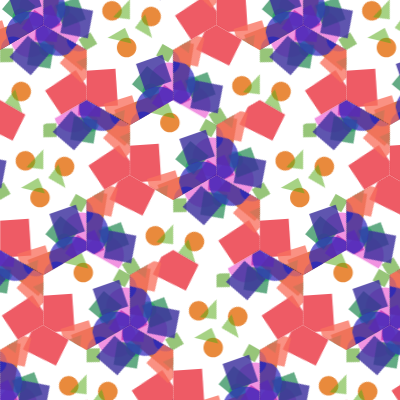
Wallpaper group. There are only 17 ways to cover a plane with a repeating pattern, choose your favourite on this page: Wallpaper group

This is a great article about Classifying Symmetries that says there are actually 35 tiling patterns!

List of planar symmetry groups is another Wikipedia page with a good summary of the wallpaper group.

I spent waaaaay too long on this one.

  • group is the 17 groups mentioned
  • subGroup is horizontal or vertical for some of the above
  • cellType is the shape of each cell
  • cellStyle is what to fill them with
  • debugDrawOne shows what one tile looks like
  • debugDisplay prints what random values were selected
  • pauseBuffer is useful for pausing the generation (although if any of the others are random they will keep changing)

Not all of the groups and cell types are perfectly compatible. In fact, probably half or more aren’t. But they still produce something, and I think that’s pretty cool!

read more...

Genuary 2026.16: Order vs Disorder

Genuary 2026.16: Order vs Disorder

Order vs Disorder

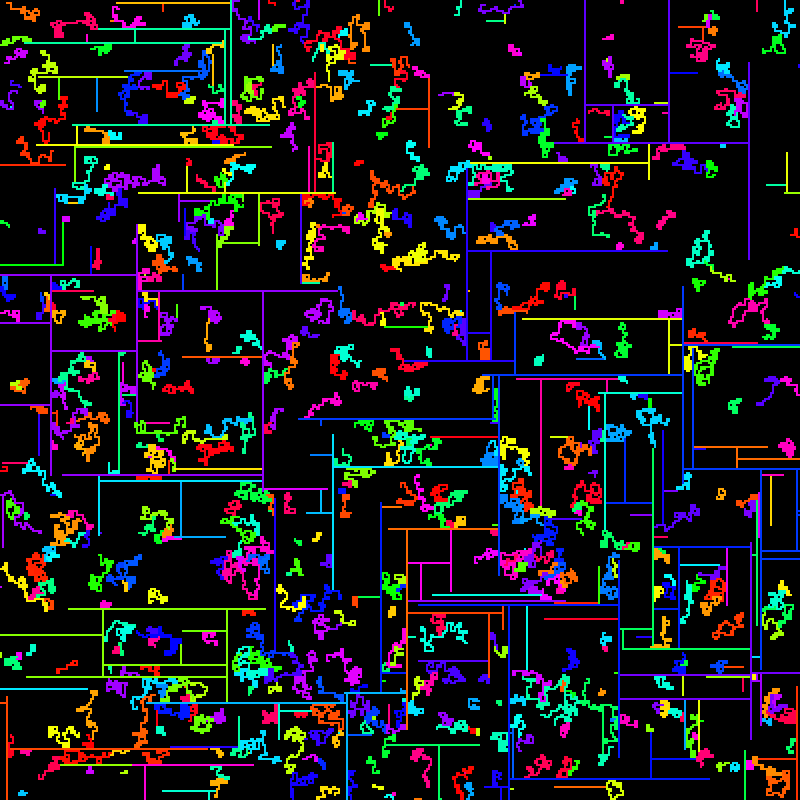
So I have two kinds of agents: Order, which always moves in straight lines and Chaos which… doesn’t!

Settings:

  • updateRate is how fast it runs
  • minAgentCount will spawn agents until you reach this number
  • maxAgentCount will kill off agents until you’re under this number
  • dieOfOldAge will kill off old agents
  • maxAge is the longest an agent can last
  • agentRatio of 0 is all order and 1 is all chaos
  • spawnRate is how often an agent will spawn a new agent (of the same kind)
  • resetPercent is how much of the screen can be full before resetting
  • pauseOnReset will pause on a reset to allow downloading! (change any setting include this one to unpause)

read more...

Genuary 2026.15: Invisible Object

Genuary 2026.15: Invisible Object

Create an invisible object where only the shadows can be seen.

Noise that pushes a bunch of particles around on the screen. There is 1 (or more) ‘shadows’ on the screen that push the dust away.

If the shadow runs off the screen it will come back in a bit from the opposite edge.

Settings:

  • dustCount is how much dust
  • dustSpeed is a multiplier for how fast the dust goes per frame
  • dustDieOff is how much dust disappears each frame
  • onlyEdgeDust sets dust to only spawn on the edges, rather than anywhere (has some weird visual artifacts when the dust is a nearly horizontal / vertical)
  • rainbowDust makes the dust far more colorful
  • windScale is the scale of the noise, 1 will wiggle a lot more, 5 is closer to straight lines and slow changes
  • fade will leave trails by fading the screen; turning this off is interesting since the shadow will be much more subtle
  • shadowCount is how many shadows there are
  • shadowForce is how strongly they repel dust
  • shadowWindIndependent means the shadow doesn’t always move with the particles
  • shadowEdge will show where the shadow shape actually is
  • shadowsMove will allow the shadows to move / stop them

read more...

Genuary 2026.14: Fits Perfectly

Genuary 2026.14: Fits Perfectly

14) Fits Perfectly

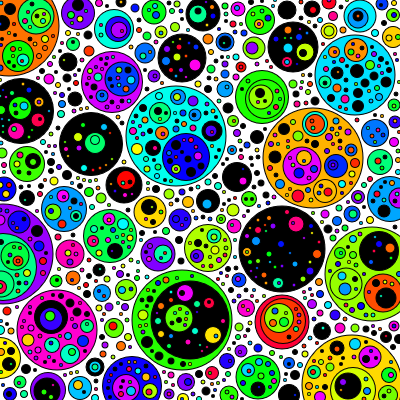
Basically, we’ll pack as many circles in as we can!

  • retriesPerFrame is how many circles it will try to place before giving up and drawing the frame
  • minDiameter is the smallest a circle can be (this should be 1 for a ‘perfect fit’)
  • maxDiameter is the largest one can be
  • spacing is how much space to leave between circles (this should be 0 a ‘perfect fit’)
  • borders will draw a black border on each circle
  • fillInside will place circles inside of each other as well as outside, so long as there is still enough spacing
  • blackPercent is how many of the circles will be black rather than bright colors

read more...

Genuary 2026.13: Self Portrait

Genuary 2026.13: Self Portrait

13) Self Portrait

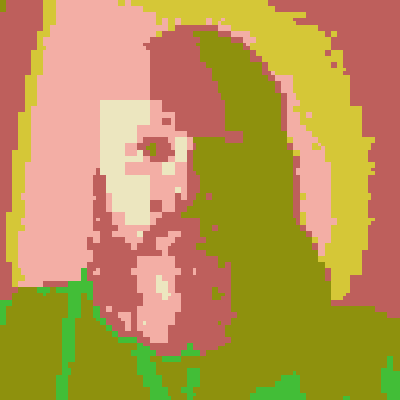
That was surprisingly fun.

Basically, it will take recursively divide the picture over time. Each time, it will find the node with the largest error (real image color compared to the current random color) and split it in 4, assigning each to the nearest random color from our palette.

  • colors controls how many maximum (random) colors will be chosen
  • edges will draw the boxes of the tree
  • minimumBlock is the size at which it won’t split any more
  • resetAfter will generate new colors even this many frames
  • evenSplit will split each box into exactly 4; if this is off, each axis will randomly be 25-75%
  • weightErrorBySize will split small boxes earlier; with this off, larger boxes have more error because they are larger

If you don’t want to look at me any more, turning off selfPortraitMode will load an image from picsum.dev.

read more...

Genuary 2026.11: Quine

Genuary 2026.11: Quine

11) Quine

Making a genart quine? That’s… certainly a thing!

So basically I made a very simple stack based virtual machine. You can check the source code below for what commands it can actually run. It will then run until it outputs enough code to match the input length (or times out). If it happens to output a quine? Woot!

If not, it will randomly mutate and try again.

  • cellSize - Change how big the program is (default is 10, theoretically with semi quines size shouldn’t matter)
  • ticksPerFrame - How fast the simulation will run
  • asFastAsPossible - Ignore the above and run an entire simulation per frame (it could technically go even faster 😄)
  • pauseAfter - Pause to see what happened after output is done or a break
  • stopAfter - When a single program has run, stop the main loop (mostly useful for debugging)
  • randomizePercent - How much of the input to randomly change for the next iteration
  • runOutput - Run the output as the next program (otherwise, randomize the input)
  • highlightActive - Highlight the parts of the program that actually ran (brighter colors)
  • allowSemiQuine - Ignore non-active parts of the program when considering a quine (if you copied the output to the program in these parts, they’d be a quine, so I think it counts)
  • allowReadingCode - Allow (new) commands that allow reading our own source code
  • allowWritingCode - Allow (new) commands that can modify the code you were originally running
  • debugPrint - Print each command run/output to console.log for debugging
  • debugSlow - Drops the framerate to 1 fps for debugging
  • debugStepButton - Add a ‘step’ button that runs one step at a time (noLoop) for debugging (reload the page)

In addition, you can put in code in the box and ’load’ it to run. This will be helpful to verify quines! I have some interesting code below (including a hand written quine! That uses the self reading instructions).

If you manage to find a quine organically (or write one), I’d love to hear what it was!

read more...

All posts