Programming

The earliest memory I have of ‘programming’ is in the early/mid 90s when my father brought home a computer from work. We could play games on it … so of course I took the spreadsheet program he used (LOTUS 123, did I date myself with that?) and tried to modify it to print out a helpful message for him. It … halfway worked? At least I could undo it so he could get back to work…

After that, I picked up programming for real in QBASIC (I still have a few of those programs lying around), got my own (junky) Linux desktop from my cousin, tried to learn VBasic (without a Windows machine), and eventually made it to high school… In college, I studied computer science and mathematics, mostly programming in Java/.NET, although with a bit of everything in the mix. A few of my oldest programming posts on this blog are from that time.

After that, on to grad school! Originally, I was going to study computational linguistics, but that fell through. Then programming languages (the school’s specialty). And finally I ended up studying censorship and computer security… before taking a hard turn into the private sector to follow my PhD advisor.

Since then, I’ve worked in the computer security space at a couple of different companies. Some don’t exist any more, some you’ve probably heard of. I still program for fun too, and not just in security.

But really, I still have a habit of doing a little bit of everything. Whatever seems interesting at the time!
Recent posts (Page 3 of 74)

Genuary 2026.14: Fits Perfectly

Genuary 2026.14: Fits Perfectly

14) Fits Perfectly

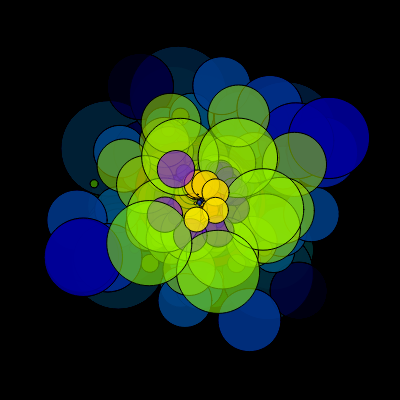
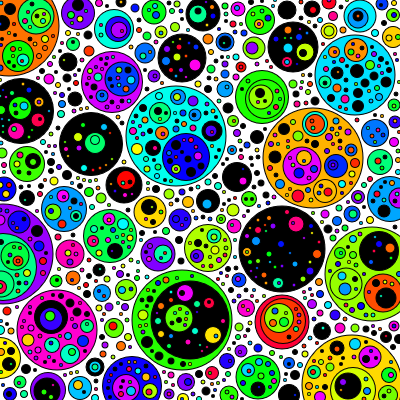
Basically, we’ll pack as many circles in as we can!

  • retriesPerFrame is how many circles it will try to place before giving up and drawing the frame
  • minDiameter is the smallest a circle can be (this should be 1 for a ‘perfect fit’)
  • maxDiameter is the largest one can be
  • spacing is how much space to leave between circles (this should be 0 a ‘perfect fit’)
  • borders will draw a black border on each circle
  • fillInside will place circles inside of each other as well as outside, so long as there is still enough spacing
  • blackPercent is how many of the circles will be black rather than bright colors

read more...

Genuary 2026.13: Self Portrait

Genuary 2026.13: Self Portrait

13) Self Portrait

That was surprisingly fun.

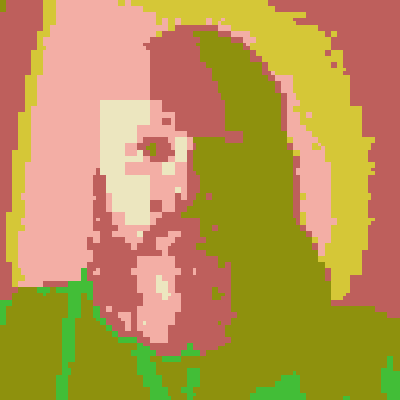
Basically, it will take recursively divide the picture over time. Each time, it will find the node with the largest error (real image color compared to the current random color) and split it in 4, assigning each to the nearest random color from our palette.

  • colors controls how many maximum (random) colors will be chosen
  • edges will draw the boxes of the tree
  • minimumBlock is the size at which it won’t split any more
  • resetAfter will generate new colors even this many frames
  • evenSplit will split each box into exactly 4; if this is off, each axis will randomly be 25-75%
  • weightErrorBySize will split small boxes earlier; with this off, larger boxes have more error because they are larger

If you don’t want to look at me any more, turning off selfPortraitMode will load an image from picsum.dev.

read more...

Genuary 2026.11: Quine

Genuary 2026.11: Quine

11) Quine

Making a genart quine? That’s… certainly a thing!

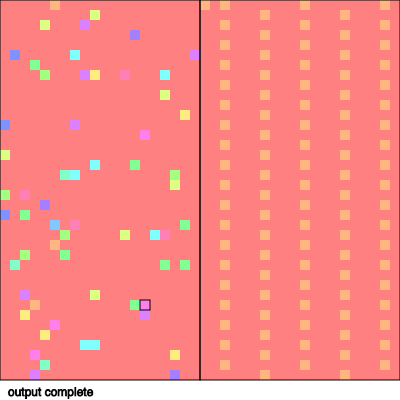
So basically I made a very simple stack based virtual machine. You can check the source code below for what commands it can actually run. It will then run until it outputs enough code to match the input length (or times out). If it happens to output a quine? Woot!

If not, it will randomly mutate and try again.

  • cellSize - Change how big the program is (default is 10, theoretically with semi quines size shouldn’t matter)
  • ticksPerFrame - How fast the simulation will run
  • asFastAsPossible - Ignore the above and run an entire simulation per frame (it could technically go even faster 😄)
  • pauseAfter - Pause to see what happened after output is done or a break
  • stopAfter - When a single program has run, stop the main loop (mostly useful for debugging)
  • randomizePercent - How much of the input to randomly change for the next iteration
  • runOutput - Run the output as the next program (otherwise, randomize the input)
  • highlightActive - Highlight the parts of the program that actually ran (brighter colors)
  • allowSemiQuine - Ignore non-active parts of the program when considering a quine (if you copied the output to the program in these parts, they’d be a quine, so I think it counts)
  • allowReadingCode - Allow (new) commands that allow reading our own source code
  • allowWritingCode - Allow (new) commands that can modify the code you were originally running
  • debugPrint - Print each command run/output to console.log for debugging
  • debugSlow - Drops the framerate to 1 fps for debugging
  • debugStepButton - Add a ‘step’ button that runs one step at a time (noLoop) for debugging (reload the page)

In addition, you can put in code in the box and ’load’ it to run. This will be helpful to verify quines! I have some interesting code below (including a hand written quine! That uses the self reading instructions).

If you manage to find a quine organically (or write one), I’d love to hear what it was!

read more...

Genuary 2026.09: Cellular automata

Genuary 2026.09: Cellular automata

9) Cellular automata

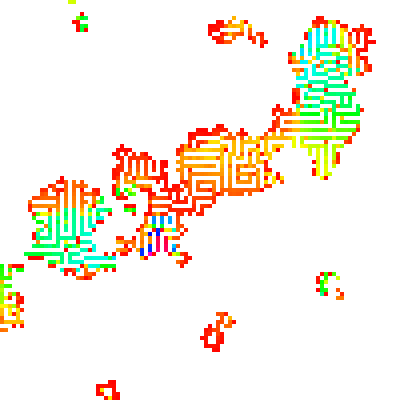
Just a bunch of random rules, with the ability (if you put this in p5js at least) to add them pretty easily.

This one can do some wacky things if you randomize it. But also, it might crash your browser tab on some of these settings. Sorry. 😄

Try:

  • Perlin, Max, fuzz, diffuse

read more...

Genuary 2026.07: Boolean algebra

Genuary 2026.07: Boolean algebra

5) Boolean algebra

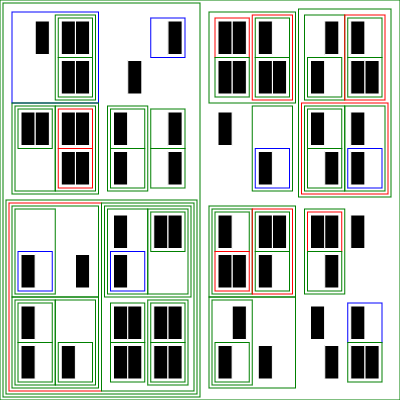
So the basic idea here is to recursively divide the space. The black squares are the randomly chosen values. Then, for each level of the tree, combine the children using one of the selected functions (and/or/xor/etc), drawing a border if the result of that combination is true.

Try various combinations of settings!

read more...


All posts