Programming, Topic: Games

Recent posts (Page 6 of 7)

February #1GAM post-mortem

February #1GAM post-mortem

Is it possible to write a post-mortem if you really only got about four hours into a game?

Well, let’s hope so. That’s all the further I’ve made it with this month’s #1GAM a month–and it’s pretty much entirely my fault. The whole idea was to start earlier in the month and spread out the work out a bit… That didn’t happen.
read more...

#1GAM - ChessLike 1.0 - Did it!

#1GAM - ChessLike 1.0 - Did it!

Well there you have it. Three days to a feature complete game.

I ended cutting one of the kinds of levels, but other than that I got everything that I wanted in the game. It’s got 10 different kinds of pieces, 8 different kinds of levels (most procedurally generated), and statistics galore. It actually turned out to be kind of fun, although it’s a bit slower than I’d like. Not much I can do about that though without implementing a mouse interface (which I’ll probably do some day).

read more...

Ludum Dare 25 - First favorites

Ludum Dare 25 - First favorites

This past weekend was Ludum Dare 25, the newest in a competition that has been running for more than 10 years where the entire goal is to go from nothing to a complete video game in 48 hours or less. I didn’t manage to participate this time around, but I’m looking forward to trying it out next April (they run every four months in April, August, and December).

read more...

Sandbox - It's Alive!

Sandbox - It's Alive!

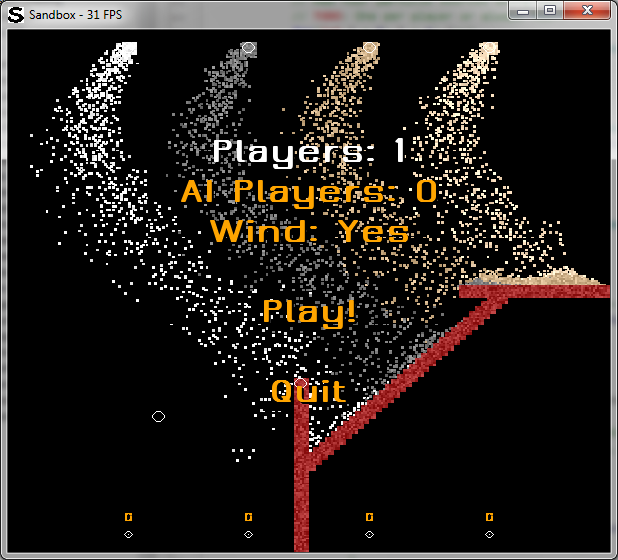
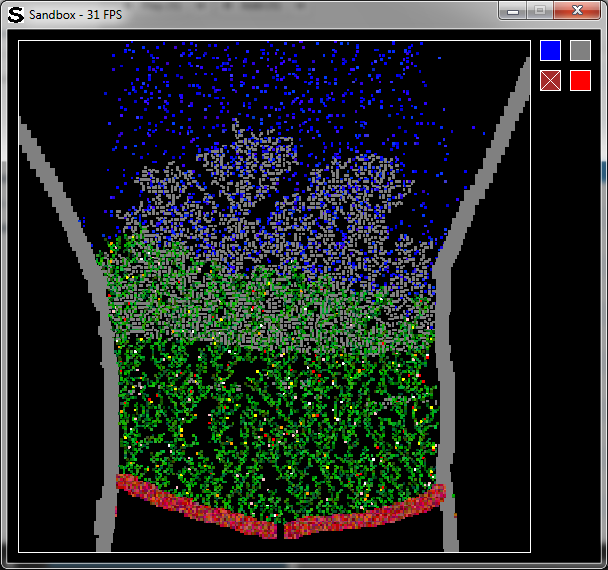
So I haven’t actually updated the Sandbox project for quite some time (December 9th I believe).  Since then, I’ve actually torn out the core of the code and rewritten it to actually be a game, rather than another clone of the general Falling Sand games.  Rather than explain in detail what I’ve done (I’ll get to that later), I’ll start with screenshots of the new version.

read more...

Sandbox - Bugfix

Sandbox - Bugfix

Quick bug fix (plus one new simple feature) for Sandbox.

Bug fix:

  • Automatically default to first item on startup
  • Allow particles to be placed while paused

New features:

  • Number keys select corresponding placeable particle type

Downloads:

Controls:

  • Esc/Q – Quit the program
  • B – Toggle border behavior
  • P – Pause / Unpause
  • Space – Advance the simulation one step (when paused)
  • Left-click – Add a blob of the current kind of particle
  • Right-click – Remove a blob of any kind of particle
  • 1-9 – Select the corresponding kind of particle

particle

Sandbox - More user friendly

Sandbox - More user friendly

One more update on my quick schedule than it’s back to school so I’ll probably slow down for a while.  In any case, I’ve added the ability to change between different elements in the definitions files.

Two new changes to the definitions are the addition of placeability and colorful flags.  If placeability is set, the element will show up on the GUI to be placed.  If colorful is set, the colors will be varied slightly (see the screenshots).

Next up, seeing if I can come up with more elements to play with…

read more...

Sandbox - Interactivity

Sandbox - Interactivity

I know I’ve already updated this project twice within the past 24 hours, but third time’s a charm.  This time, it’s interactive!

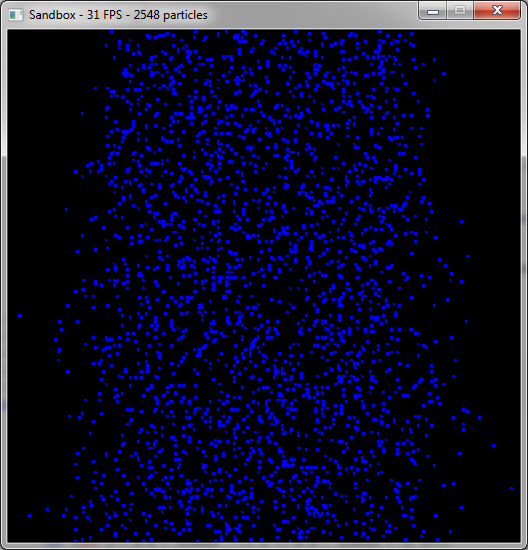
I’m using the same rules as last time (with the tweaks I mentioned).  The main difference are that you can left-click anywhere on the screen to add a blob of fire or right-click to add a new blob of plant.  It’s still not really a game per-say, but it’s got the makings of one!

read more...


All posts